

Specialized Samsung Appliance Repair in San Francisco
Mon–Sat: 8:00 AM – 7:00 PM
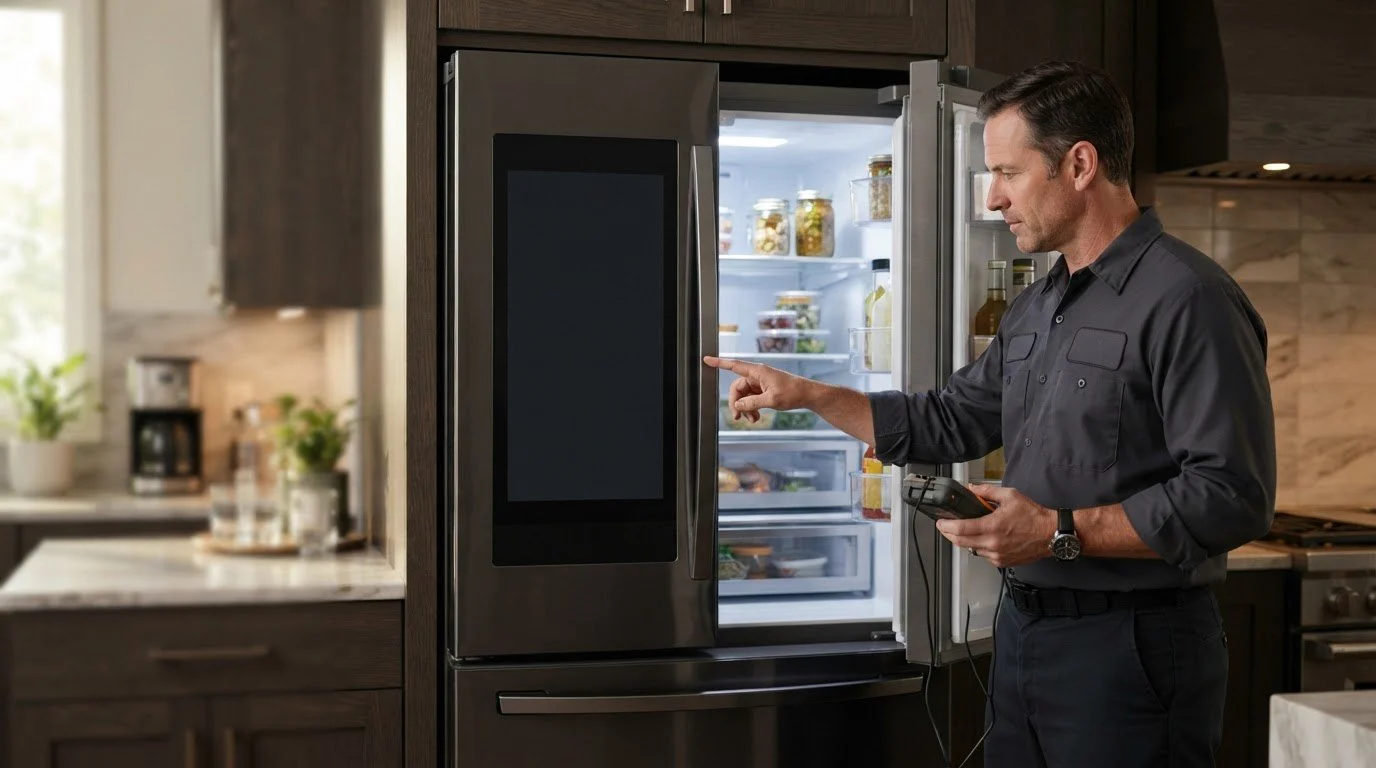
When the panel goes dark or ignores taps, the cooling may still run. Work out whether it is power, a lock, a code or a failing display, and when to book.
You walk into the kitchen and the refrigerator panel is black, or it lights up but ignores every tap. The cooling may still be running, and the lights inside may still come on, so it is easy to think nothing is wrong. A dead or frozen display is still worth sorting out, because it can hide temperature alarms, ice settings and filter reminders.
First, find out whether the refrigerator is cooling. Open the door and feel the air. Listen for the compressor and the fans. If the interior lights are on and the cabinet is cold, the power supply to the unit is working and the trouble is limited to the panel or its link to the main board. If everything is dark and warm, check the outlet and the breaker; the display is just the first thing you noticed.
A panel that is lit but sluggish, registering only some taps, often points to moisture or a film on the glass. A panel that works for a moment after a door opens, then goes dark, hints at a loose connection or a weak supply. A panel that shows a message in a loop after a storm or a building power cut suggests a communication fault. A panel that is completely dark from the moment the refrigerator is plugged in, with no lights inside, is a power question first. Telling the technician which of these matches saves time at the visit.
If the display is dead and you cannot tell whether the cabinet is cold, use a separate thermometer or simply feel the food. Keep the doors closed as much as possible. If milk, meat or leftovers feel warm, move them to another cold place. A dark panel is not urgent by itself, but a warm cabinet and a dark panel together are a reason to move quickly. You will not see alarms such as a door left open, so check the doors by hand.
Many San Francisco kitchens share one circuit between the refrigerator, microwave and other appliances, and old outlets can loosen over time. A plug that wiggles can cause a display that comes and goes. In older buildings, brief power flickers are common, especially during building work. If your refrigerator is in a rental, a property manager may be able to confirm outlet or breaker history. Take a photo of the panel and the label for your records.
Book when the panel stays blank or unresponsive after the power reset, when a code returns, when the display works but the cabinet temperature is off, or when the Family Hub screen freezes repeatedly. A technician checks the supply, the door switches, the display and its cable, and the main board, then explains what failed. You receive a written estimate and nothing is repaired without your approval.
Start with Samsung refrigerator repair and the Samsung refrigerators guide. Family Hub models include the Samsung RF27CG5900SRAA and the Samsung RS22T5561SR/AA.
The cooling system may be fine while the panel, its cable or the control link has failed. Try a door cycle, a clean wipe and one reset.
A lock icon appears and taps do nothing. The manual describes how to release it on your model.
Yes. A brief outage or surge can cause communication faults such as 88 88, usually fixed by a single controlled reset.
Not on its own. Check the cabinet by feel or with a thermometer. If it is warm, act quickly.
A frozen screen is not usually a router problem. Wi-Fi issues affect app features, not whether the panel responds.
Share a few details and we’ll confirm an appointment. Prefer to talk? Call us and we’ll help right away.