

Specialized Samsung Appliance Repair in San Francisco
Mon–Sat: 8:00 AM – 7:00 PM
You changed the filter, but the indicator still glows. Here is how the light works, what often keeps it on, and what to check before you book a visit.
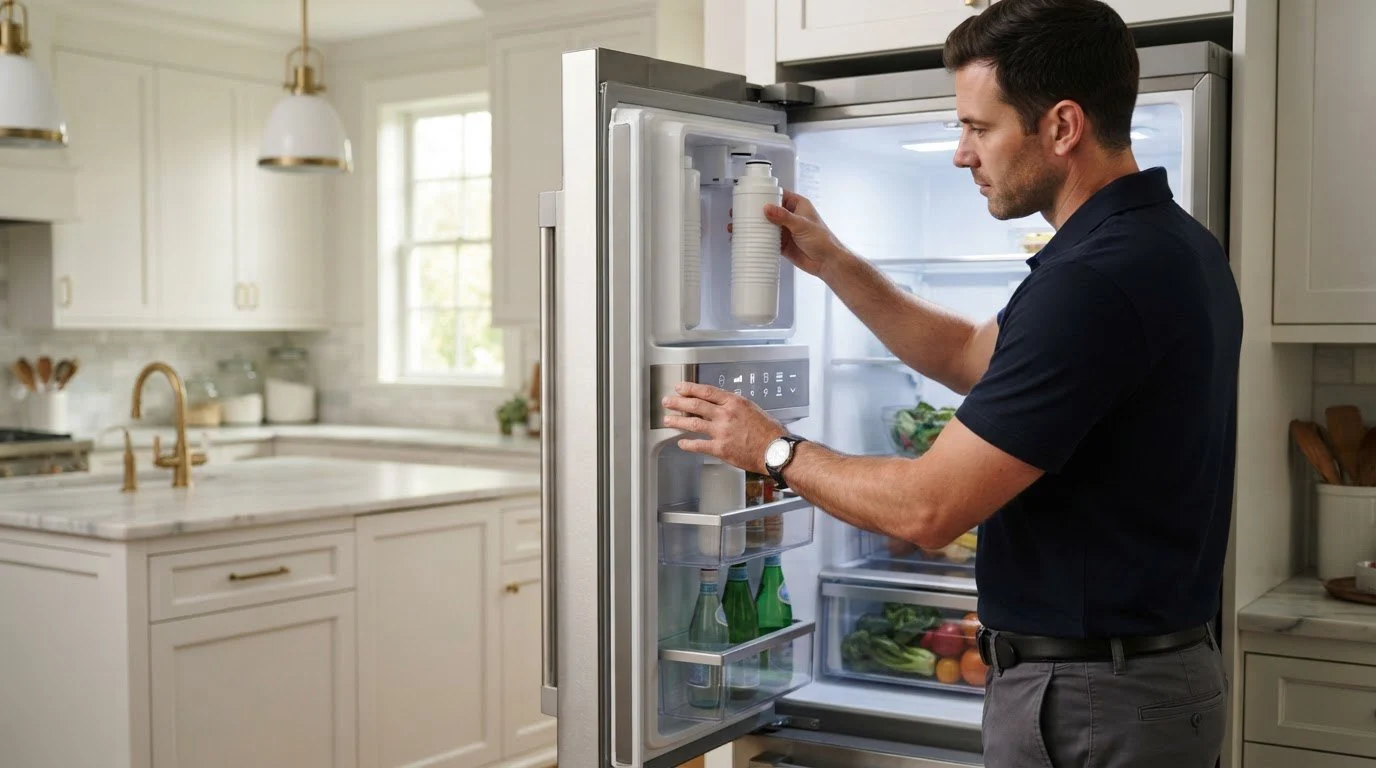
A filter reminder is one of the least dramatic things a refrigerator does, which makes it annoying when it refuses to go away. You bought the right cartridge, twisted it in, ran the dispenser, and the indicator still glows. Before assuming the control board has failed, it helps to understand what the light is really based on.
On most Samsung refrigerators the filter light is a timer, not a water-quality meter. It counts days or dispensing use and lights up when the interval ends. That means the light does not know whether you actually installed a new cartridge; it waits for a reset command from you. If the reset is not accepted, the timer keeps running and the light stays on. The reset method varies by model and by control type, so the owner manual for your exact refrigerator is the right reference for the button or menu sequence. We do not suggest improvised button combinations, because pressing the wrong set can change other settings.
Many reset steps need a button held for a specific time, or a menu confirmation. Releasing too early or choosing the wrong filter option leaves the timer untouched. Try once more with the manual open, slowly, and watch for the light or a short tone confirming it.
If the filter sits slightly off its track or is not turned to the locked position, water flow suffers and some models also fail to recognize the filter. A cartridge that is not the one intended for your model can behave the same way. Compare the part number on the cartridge with the one in your manual.
A new cartridge needs a short flush before it delivers water at full rate. If the dispenser and ice maker are weak after that, the cause may be a kinked supply line behind the unit, a partly closed shutoff valve, or a clog in the line. In San Francisco apartments the shutoff valve is often hidden in a cabinet or behind the fridge, and it may have been bumped during a move.
If the panel does not respond to any reset, shows odd characters, or the display is dim, the control itself may need attention. Family Hub units add a touchscreen layer, so a frozen screen can block the filter menu. See the code Samsung refrigerator 41 error code, which describes a Family Hub display not responding properly with blinking blue interior lights.
Do not leave the old cartridge in to “keep the light quiet.” A used filter lets taste and odor pass and can clog. Do not tape over the indicator or pull the display apart. If water leaks around the filter housing, turn off the supply valve and the refrigerator, and book a visit instead of tightening parts by force.
If the light stays on even after a correct reset, or the dispenser flow is weak with a fresh cartridge and an open valve, a technician should check the inlet valve, tubing and control. The visit starts with diagnosis, followed by a written estimate and your approval before any repair. Mention whether ice production has also slowed, because that often shares the same water path. Our guide to Samsung refrigerator repair explains how a visit runs, and the lineup overview is under Samsung refrigerators.
Side-by-side models with an in-door dispenser, such as the Bespoke Samsung RS28CB760012AA, rely on a compact filter housing in the fresh food section, where seating errors are common. French-door units such as Samsung RF25C5A01SRAA may place the filter in a different spot, so find yours before you start.
Write the install date on the new cartridge with a marker, or add a calendar reminder. Households with filtered water used for coffee and cooking tend to use more than the average timer assumes, so the cartridge may be spent before the light says so. If you rent, check with the property manager before replacing a filter that belongs to the unit, and keep the part number of whatever is installed. For landlords handling several units, a single note per kitchen with the model label and filter type saves repeat trips.
A dispenser that sputters or sprays after a change can also point to trapped air. Run it in short bursts rather than one long pour, and let it rest between bursts so the line can purge fully.
No. It is a reminder based on use or time. Water taste or flow is a better sign of a spent filter than the light alone.
Water quality is not harmed, but the reminder will keep glowing until a reset is accepted. Follow the manual’s reset steps for your control type.
Some models check for a matching cartridge, and a mismatch may cause the reminder or flow problems. Confirm the part number against your manual.
A fresh cartridge needs a flush to remove trapped air. If the flow stays weak afterward, check the shutoff valve and the supply line before suspecting the unit.
Not directly, but they share the same water line. Weak flow can slow ice, and ice maker codes such as 39E are described separately in our code library.
Share a few details and we’ll confirm an appointment. Prefer to talk? Call us and we’ll help right away.