

Specialized Samsung Appliance Repair in San Francisco
Mon–Sat: 8:00 AM – 7:00 PM
Clicking that carries on after the flame is lit usually points to moisture, residue or a sticking switch. Here is how to sort the causes and stay safe.
The burner lights, the flame looks healthy, and you walk away. Then the clicking carries on, steady and annoying, as though the range cannot decide whether the fire is out. That is a different problem from a burner that will not light at all, and it is worth sorting out because it points at a specific small piece of the ignition system.
When you turn a knob, the control sends a spark to the burner you chose. The spark ends once the flame is established. If the clicking keeps going, the range is either failing to sense that there is flame, or the ignition switch is staying closed. A flame that is steady while the sparks continue is more of an electrical and sensing issue than a gas issue.
Wetness is the most frequent trigger. A spill, a boil-over or a damp cloth leaves moisture around the electrode. Moisture lets the spark leak where it should not and keeps the module thinking it needs to relight. You can see the pattern: clicking that starts after cleaning, after a pot boiled over, or on a rainy morning.
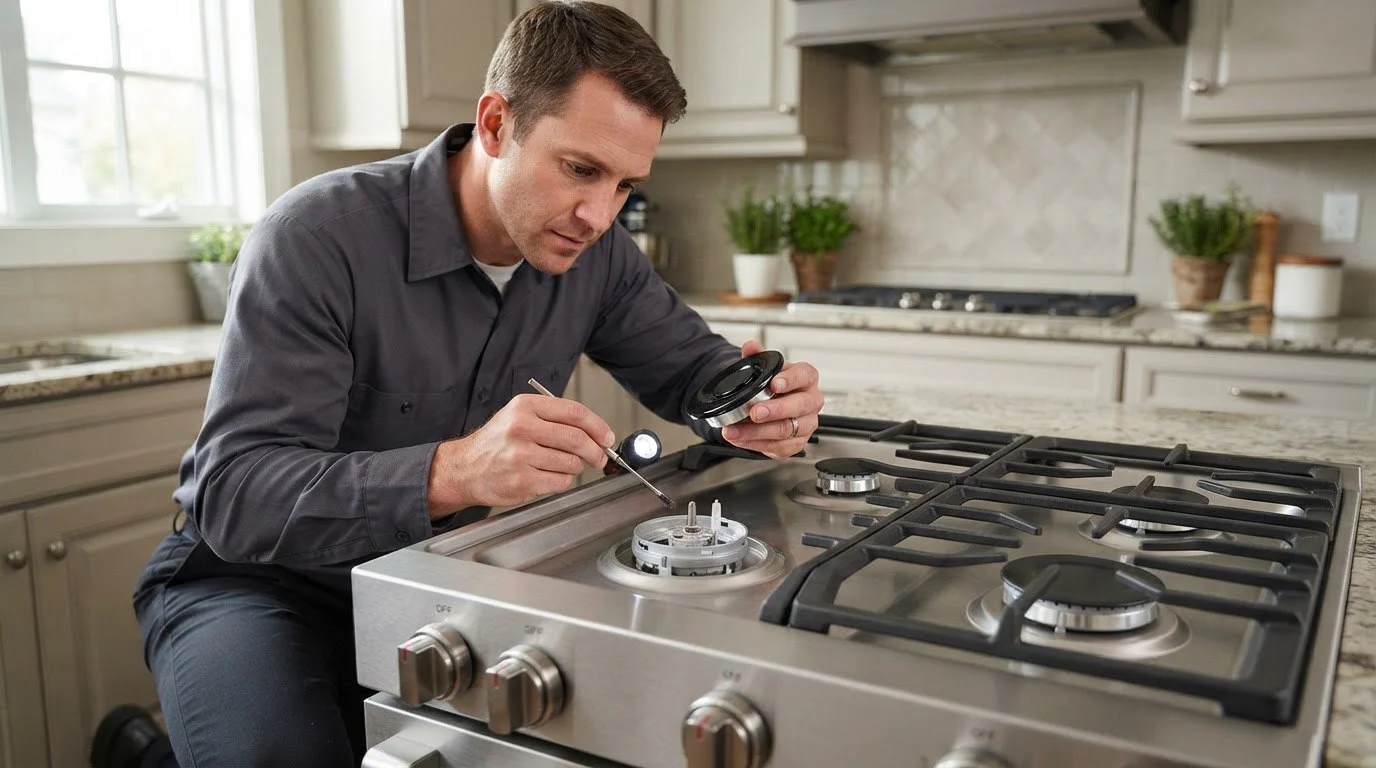
Turn every knob to off. Wait a few moments. If the clicking stops, a wet burner is the likely cause. Let the cooktop cool, then lift the grate and cap, dry everything, and wipe the area around the electrode with a lightly damp cloth, never a spray. Leave the parts open to air for a short while, then set the cap flat and test again.
If the knob is stiff or feels like it does not snap back to the off position, do not force it. Turn the knobs fully to off and note which one is awkward. If the clicking returns every time you move a particular knob, say so when you book.
You can also try one controlled power reset. Switch the range off at the breaker, wait a moment, then switch it back on. This clears a control that is simply confused. If the clicking starts again at once, a reset will not help and further attempts only waste time.
Constant clicking with no flame, or any clicking with a gas smell, is a stop sign. Leave the home and call the gas utility or 911 from outside. For a burning smell or visible sparks near the knobs, switch the range off at the breaker. Constant sparking for a long period is hard on the module and can leave you with a weak spark later.
Pay attention to when the clicking begins. If it starts the instant you turn the knob and stops when the flame appears, the range is behaving normally. If it begins only after a few minutes of cooking, something changed while the pan was on: a pot boiled over, a draft moved the flame, or a sleeve brushed a knob. Telling the technician which of these fits saves a lot of guessing, because the cause of a delayed click is often outside the range itself.
Older rentals and flats with ranges that sit tight against a wall are where this shows up often. Cords get pinched, kitchens stay damp, and cleaning sprays reach the burner area. If the range was moved recently for floor work or a repaint, mention that. New installs where the plug was pushed in at an angle can also cause intermittent behavior.
A technician tests the spark with the burner dry, checks the knob switches one by one and examines the module and wiring harness. You get an explanation of what failed before any work, a written estimate, and nothing is repaired without your approval. Our Samsung range and oven repair page explains the visit, and the Samsung ranges and ovens guide covers the label location, which is usually on the oven frame.
Gas models include the Samsung NSG6DG8700SRAA. If your issue started with a burner that would not light, begin with gas range burner won’t ignite.
Not by itself, but constant sparking is a fault you should not ignore. With a gas smell, leave and call the utility or 911 from outside. Without one, turn the knobs off and check for moisture.
A wet cooktop, a stuck knob switch or a module issue can keep the spark circuit active. Dry the burners first, then see whether it stops.
It can clear a confused control, but it will not cure a wet burner or a stuck switch. One reset is reasonable. Repeating it is not.
Long periods of sparking stress the module and the electrode. Switching the range off at the breaker while you wait for a visit limits the strain.
It speeds things up. Read it from the label, usually on the oven frame or inside a drawer edge, and have it ready.
Share a few details and we’ll confirm an appointment. Prefer to talk? Call us and we’ll help right away.