

Specialized Samsung Appliance Repair in San Francisco
Mon–Sat: 8:00 AM – 7:00 PM
Wet plates and pooled water on cup bottoms after a full cycle? Learn what affects drying on a Samsung dishwasher and which checks you can safely do first.
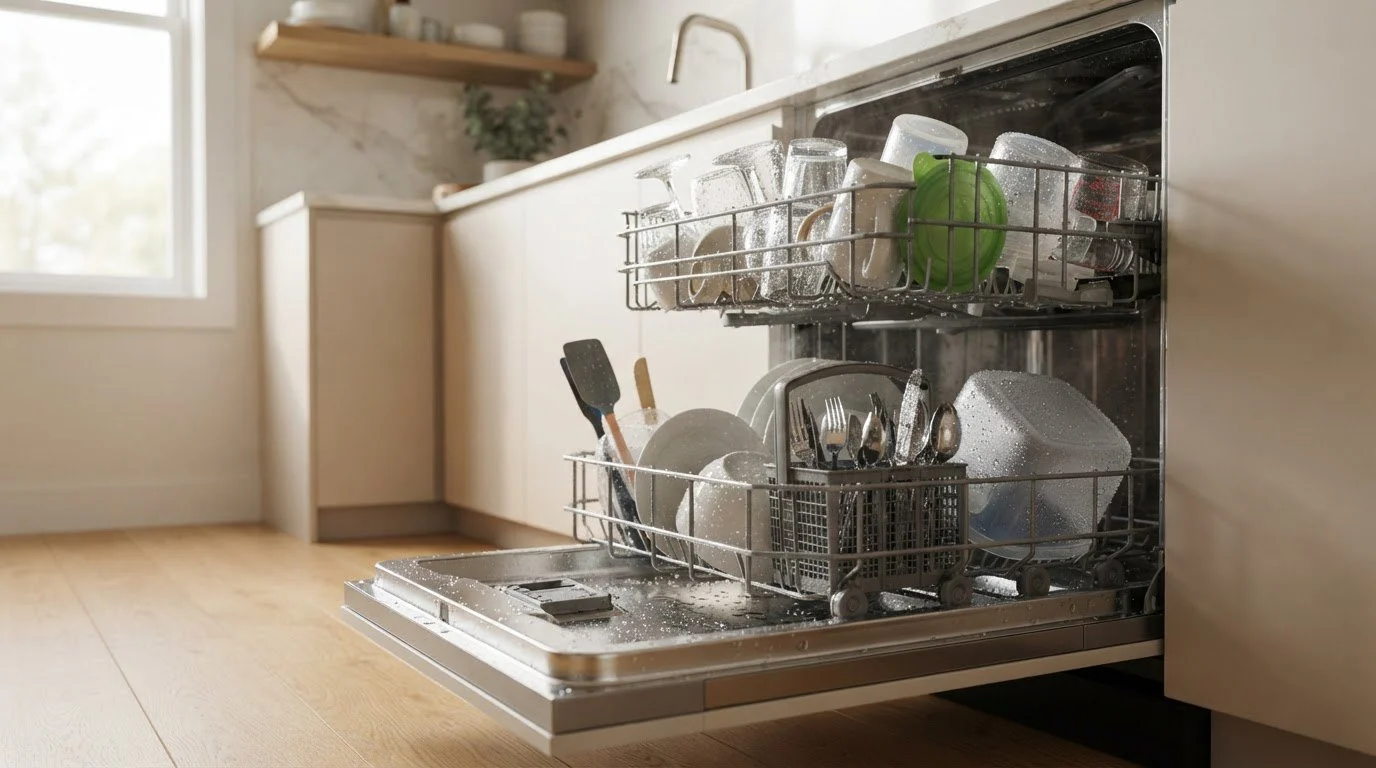
You pull out the racks and everything is clean, but the plastic is wet, the cups hold puddles on their bases and the glasses are spotted. That can be a simple matter of loading and rinse aid, or a drying system that is not doing its job. Because drying depends on heat, airflow and the way water sheets off surfaces, there are several places to look before you suspect a part.
Most dishwashers finish with a hot final rinse that warms dishes so the water on them evaporates. Some add a heating element in the tub, a fan or a vent that moves humid air out of the cabinet, or a condensation design that lets steam settle on the cool tub wall and drain away. Plastic stays wet longer than glass or ceramic because it holds less heat. A cycle with a dry option turned off, or an energy-saving setting that skips heated drying, will leave more water behind, and that is by design.
If your hot water arrives slowly, the first fill may be cool. Run the kitchen tap until it warms before you start the dishwasher. Hard water can leave a film that prevents sheeting, and a build-up of detergent residue in the dispenser area can reduce rinse performance. Using a dishwasher cleaner now and then helps with both.
Many Samsung dishwashers release moist air through a vent near the door or through a fan assembly. Wipe around the vent area and make sure nothing blocks it, such as a tall item resting against the door panel. In a tight San Francisco kitchen where the dishwasher sits under a countertop with limited clearance, check also that the unit is not squeezed so tightly that steam cannot escape. Heat and steam trapped in a cabinet also stress the countertop and cabinet face, so airflow matters beyond dry dishes.
If a code appears near the end of the cycle, write it down. Several relate to the heating and drying stage:
Seeing one of these makes a heater, sensor or fan problem more likely. You cannot test those parts yourself, and opening the lower panel is not safe.
When the final rinse never heats the water, a heating element or its temperature sensor may have failed. When the element heats and then stops too soon, a safety device or a control signal may be cutting it off. A technician checks these by measuring and testing under power, which is not an owner task. The symptom to describe is whether the dishes feel warm when the cycle ends. Warm dishes that are still wet point toward airflow and rinse aid. Cool dishes point toward heat.
If you notice a burning smell, scorched plastic, or a hot panel, switch the breaker off and leave the unit alone.
Book if the problem remains after you’ve checked the settings, rinse aid, loading and vent, if the dishes come out cool and wet, or if a drying-stage code appears. Have the model number and the code ready. See the Samsung dishwasher repair page for how a visit works, the Samsung dishwashers guide for the lineup, and the DW70H83YEURAA model page for a sample entry. We diagnose before repair, with a written estimate, and nothing is repaired without your approval.
Run one normal cycle with a heated dry option and place a ceramic plate and a plastic container side by side on the top rack. If the plate comes out warm and dry while the plastic holds water, the dishwasher is behaving normally and loading is the answer. If both stay wet and cool, the heat or airflow is lacking and a diagnosis makes sense. Write down which items stayed wet when you book.
Check the underside of the countertop above the dishwasher and the cabinet face beside it for swelling or moisture marks. Steam that escapes where it should not points to a door or vent fit issue and not a heater issue. In older kitchens the thin edge trim sometimes warps over time. Mention anything you notice when you book, since it changes where a technician looks first.
Yes, to a degree. Plastic holds little heat, so water beads and stays. Using rinse aid and placing plastic on the top rack usually helps.
Not by itself. A damp tub is normal after a cycle. Dishes that come out cool and wet after a heated-dry cycle are a better clue.
Yes. Quick or energy-saving cycles often shorten or skip heated drying. Check the cycle’s details in the manual.
It improves how water drains from dishes, but it cannot replace working heat and airflow.
The model number, the cycle and options you used, whether the dishes were warm at the end, and any code that appeared.
Share a few details and we’ll confirm an appointment. Prefer to talk? Call us and we’ll help right away.